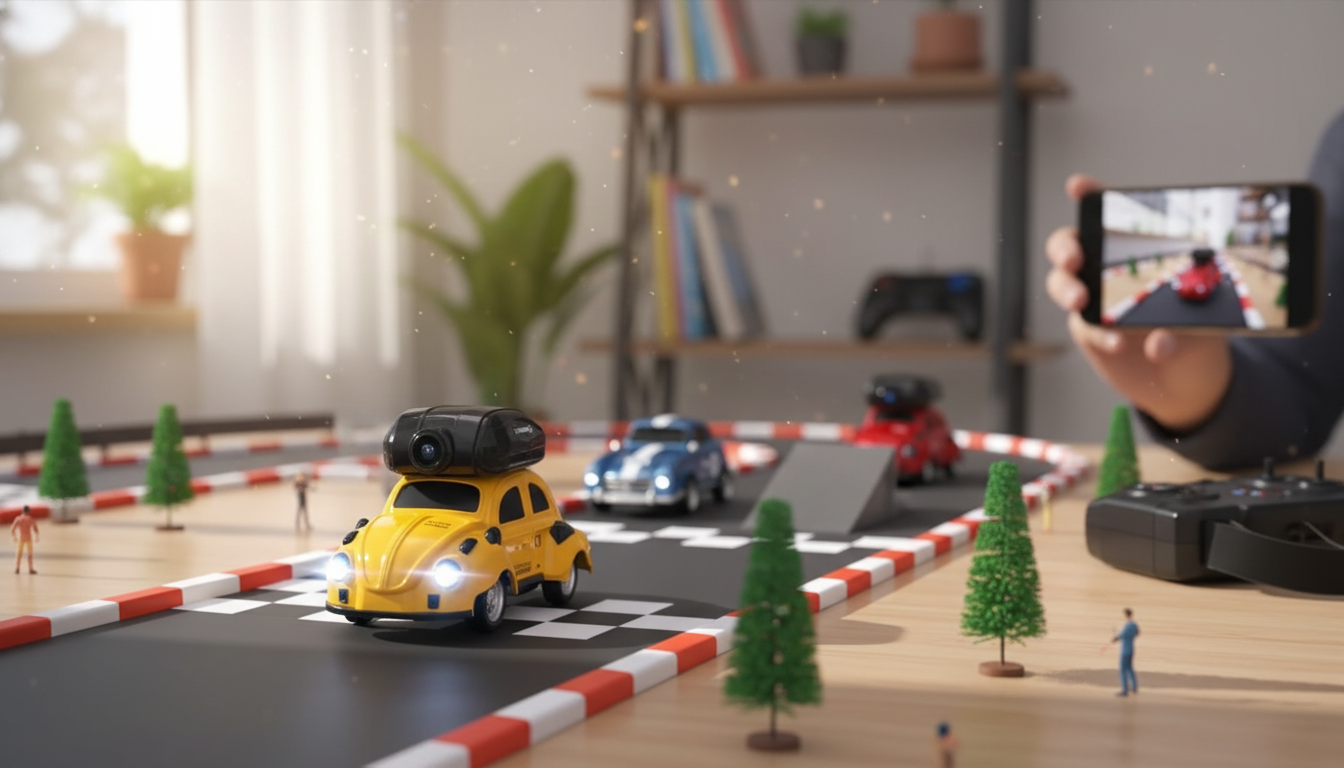
A mini RC racing car with an onboard camera turns quick laps into a live, driver’s-eye experience. Real-time video transmission adds an extra layer of control for hallway races, backyard practice, and setting up DIY tracks where line-of-sight driving is tricky. Below is a practical breakdown of what to expect, how to use it well, and what to look for when shopping for this style of RC car.
If you’re shopping for this category, start with the Mini RC Racing Car with Camera and Real-Time Video Transmission for an easy, ready-to-run way to try live-feed driving at home.
A front-mounted camera streams what the car “sees,” creating a cockpit-style view that makes even a small room feel like a real circuit. The biggest difference shows up the moment the car slips behind furniture or disappears under a chair—suddenly, the video feed becomes the main way to stay on line.
Expect a short learning curve. Steering corrections can feel a beat “different” when you’re watching a screen instead of the car itself, especially when the camera sits low to the ground and the sense of speed is amplified. Once it clicks, it’s a great way to practice smooth inputs and better throttle control.
For camera-equipped mini racers, real-world performance is less about “top advertised range” and more about how stable and predictable the whole system feels. A rock-solid video link and responsive steering can make a slower car more enjoyable than a faster one that’s hard to place precisely.
| Feature | Why it matters | Quick test at home |
|---|---|---|
| Video delay (latency) | Determines how precisely corners can be taken | Drive a figure-eight and note if steering feels “late” |
| Signal stability | Reduces freezes and dropouts mid-run | Walk to the far end of the room and drive behind furniture |
| Camera angle / FOV | Affects visibility of turns and obstacles | Place two obstacles and check how early they appear on screen |
| Steering precision | Keeps lines consistent at speed | Set up 5 cups as cones and time slalom runs |
| Battery runtime | Sets how long each heat lasts | Run continuous laps and record time to noticeable slowdown |
| Durability | Mini cars often crash while learning | Do gentle bumper taps and check steering alignment afterward |
Two specs deserve extra attention:
If recording or monitoring is a priority beyond racing, a separate camera can be useful for other projects. The Ultra HD 4K Mini WiFi Camcorder with IR Night Vision & Motion Detection is an option for non-RC uses where compact, WiFi-enabled capture is handy.
A good first session is less about speed and more about building trust in what you’re seeing on the screen. The goal: consistent laps where the video feed, steering response, and your timing start to line up.
Because these cars rely on wireless signals for video, it’s also worth understanding the basics of wireless devices and safe use. The FCC provides a consumer overview here: Federal Communications Commission (FCC) — Wireless Devices.
Yes—every live video system has some latency, even if it’s small. Delay mainly shows up when you turn into tight corners, so brighter lighting, shorter distance to the receiver, and reducing wireless interference can help it feel more immediate.
Practical range is usually shorter than the maximum claim because walls, furniture, and other wireless devices can weaken the signal. For best results, test room-to-room and prioritize a stable feed over pushing for the farthest possible distance.
It depends on the specific setup—some systems only stream live, while others can record through an app or receiver. If supported, phone screen recording can be a simple workaround, but it’s best to confirm recording capability in the product details.












Leave a comment