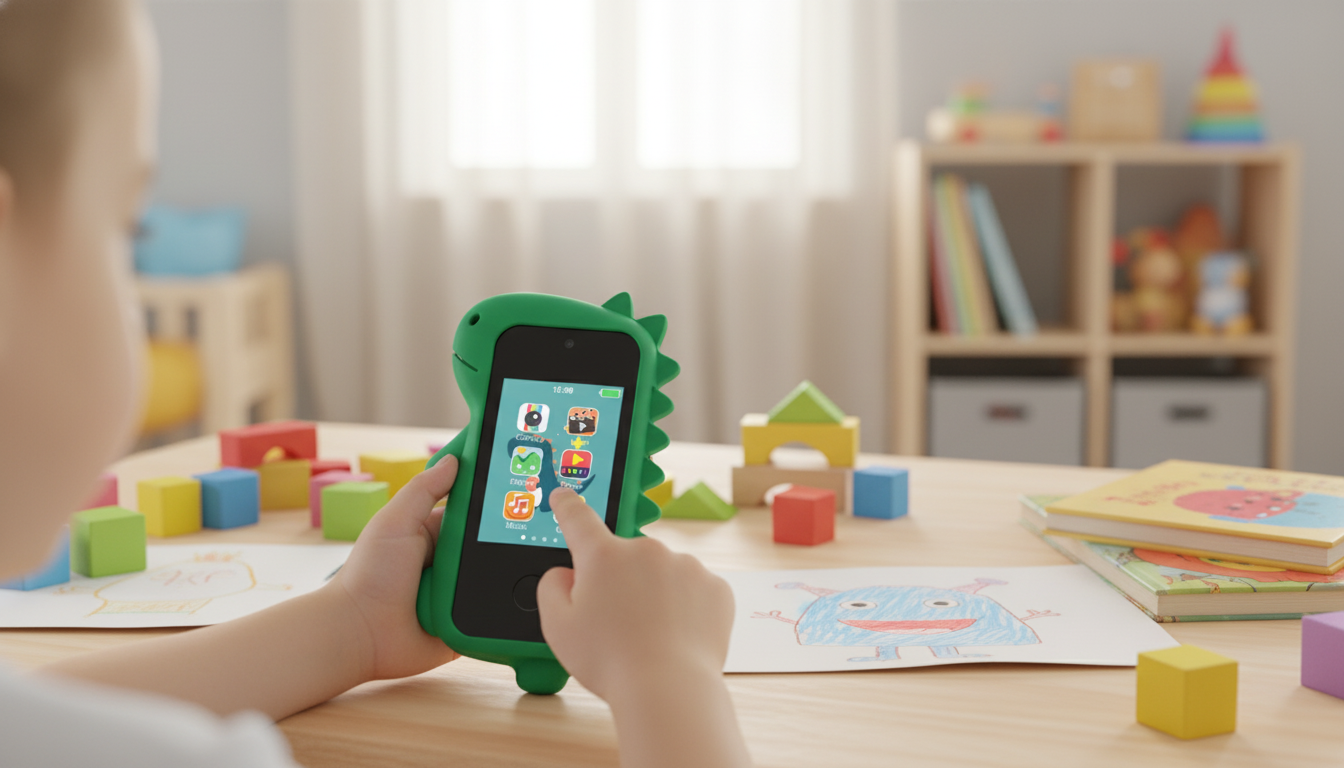
A kid-oriented smart phone with a dual camera can be a great first device for photos, creative play, and basic routines—without jumping straight to an expensive, full-featured adult phone. The best “starter” phones for kids focus on simple navigation, easy camera switching, and durability basics so children can learn responsibly while parents keep boundaries clear and predictable.
A dual-camera kids phone shines when it’s used as a small creative tool rather than a pocket-sized distraction machine. With both front and rear cameras, kids can explore how photos work in a hands-on way while you keep expectations realistic.
When the user is a child, the “best” features are the ones that prevent frustration and reduce breakage. Instead of chasing adult-level specs, focus on what supports calm, repeatable routines.
If you’re building a healthier media routine at home, it also helps to align your setup with trusted, parent-focused guidance like the American Academy of Pediatrics’ media recommendations and practical parental control overviews from Common Sense Media.
A kids starter phone often prioritizes simplicity and playful features over cutting-edge performance. A hand-me-down adult phone may have better cameras and speed, but it can also introduce more distractions, accounts, and complicated settings. For many families, repairs and replacements are less stressful when the device is designed as a first-phone option.
| Category | Kid Starter Phone | Hand-Me-Down Adult Phone |
|---|---|---|
| Ease of use | Simpler menus and kid-forward design | More complex settings and notifications |
| Camera use | Quick switch for selfies and scenes | Often better quality but more apps/features to manage |
| Cost risk | Lower replacement stress | Higher repair/replacement cost |
| Distractions | Typically used for basic play and photos | More likely to include social apps/accounts |
| Setup time | Usually faster to get started | May require deeper cleanup and restriction settings |
A little setup goes a long way. The goal is to reduce random tapping and help your child feel capable, while keeping your rules easy to follow and easy to enforce.
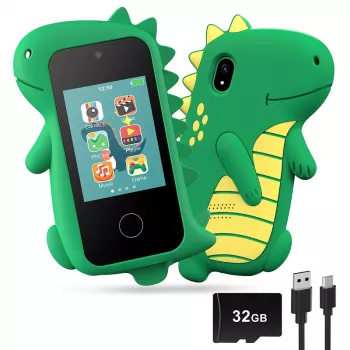
If you want a starter device that emphasizes kid-friendly use, Kids Smart Phone with Dual Camera is designed for selfies, everyday snapshots, and light entertainment—without the pressure (and cost) of handing over a premium phone. Pair it with clear house rules, a protective case/screen protector, and a consistent charging routine for the smoothest day-to-day experience.
| Item | Details |
|---|---|
| Product | Kids Smart Phone with Dual Camera |
| Price | 41.97 USD |
| Availability | In stock |
| Product page | https://furballnook.shop/kids-smart-phone-with-dual-camera/ |
If your household wants a dedicated device for capturing clips (rather than a child-focused phone), consider the Ultra HD 4K Mini WiFi Camcorder with IR Night Vision & Motion Detection. It can be a helpful add-on for family activities where you’d rather keep the kid phone focused on simple photos, short videos, and games.
It can work well for early elementary kids with close supervision, and for older kids who are ready for more independent use. The best indicator is maturity: following rules, taking care of belongings, and handing the device over when time is up.
Use predictable schedules (like specific “device windows”), device-free zones (meals and bedrooms), and a visual timer so the phone isn’t the “bad guy.” Consistent follow-through—and offering an easy offline next step—reduces negotiation over time.
Kids should avoid recording classmates or friends’ faces without permission and skip photos that reveal personal identifiers like school names, addresses, or documents in the background. When unsure, the safest habit is to pause and ask a parent first.












Leave a comment