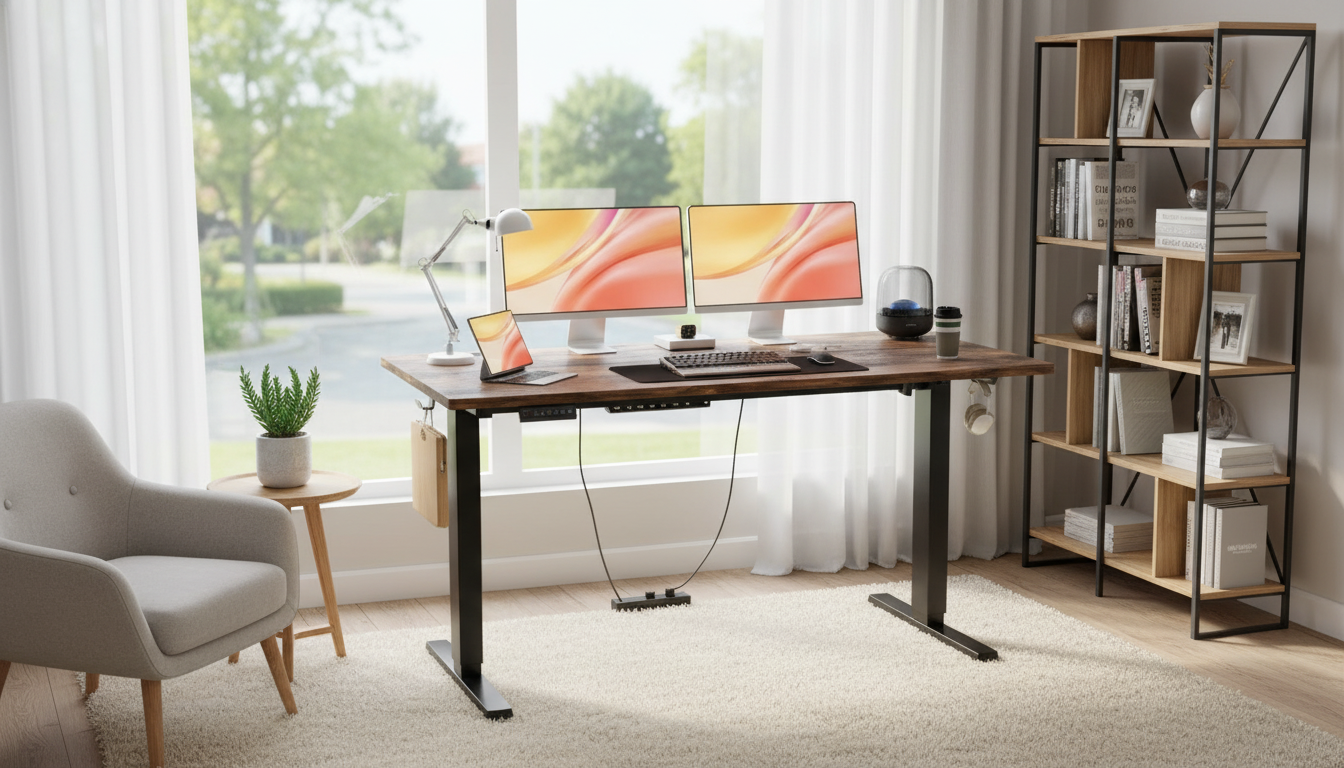
A height-adjustable desk makes it easier to alternate between sitting and standing through the day, helping set up a comfortable workstation that fits different tasks and body sizes. This 55×24 inch electric standing desk is sized for common home-office layouts while offering powered height changes for quick, repeatable adjustments. If you’re upgrading from a fixed desk, a powered sit-stand frame can make posture changes feel like a normal part of your workflow instead of an interruption.
For many home offices, the sweet spot is a desk that’s large enough for daily essentials but not so large that it dominates the room. A 55×24 inch footprint helps maintain that balance while still offering room to spread out when needed.
| Setup | What fits | Practical tips |
|---|---|---|
| Laptop-only | Laptop + mouse + notebook | Use a laptop riser for screen height; add an external keyboard for neutral wrists |
| Single monitor | 24–27″ monitor + keyboard/mouse + desk lamp | Center the monitor; keep elbows near 90° when typing |
| Two monitors (compact) | Two 24″ monitors + keyboard/mouse | Consider a dual stand to save desk depth; keep top of screens near eye level |
| Work + paper notes | Monitor + keyboard/mouse + open notebook | Leave a dedicated writing zone to avoid wrist compression on the desk edge |
Powered adjustment is especially helpful for “micro-shifts” during the day: a short standing block for email, a seated block for focused writing, then a slightly higher standing position for a video call. Over time, these small changes can make the workstation feel more responsive to how your body feels hour to hour.
If you want a reference point for workstation alignment and posture basics, the OSHA Computer Workstations eTool and the Mayo Clinic’s office ergonomics guide provide practical, widely used recommendations.
A simple cable plan makes sit-stand life easier: bundle power and data lines together, mount a surge protector under the desk if possible, and leave a gentle service loop so the desk can reach full standing height without pulling on connectors.
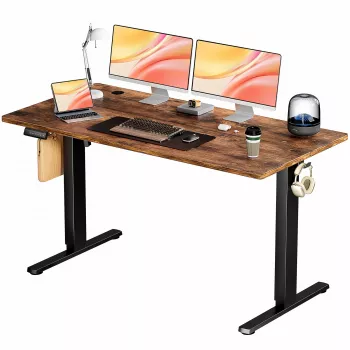
If you’re ready to build a more flexible workstation, the Electric Height Adjustable Standing Desk 55×24 Inch Ergonomic Work Table offers a practical home-office surface with powered height changes for quick transitions.
| Detail | Value |
|---|---|
| Desktop size | 55×24 inch |
| Adjustment | Electric height adjustment |
| Price | 170.17 USD |
| Stock status | In stock |
Use a height where your elbows are close to 90° with relaxed shoulders and straight wrists while typing. Fine-tune the height until your forearms feel supported without shrugging or pressing down on the desktop.
Alternate regularly rather than standing for hours at a time. Start with short standing blocks and build up gradually based on comfort, adding brief walking or stretching breaks to keep your body from stiffening.
Often yes with two compact monitors, especially 24-inch models. A dual monitor stand or arm can free up depth, and keeping heavier items centered helps maintain stability when the desk is raised.












Leave a comment